
Finding Panorama IDs
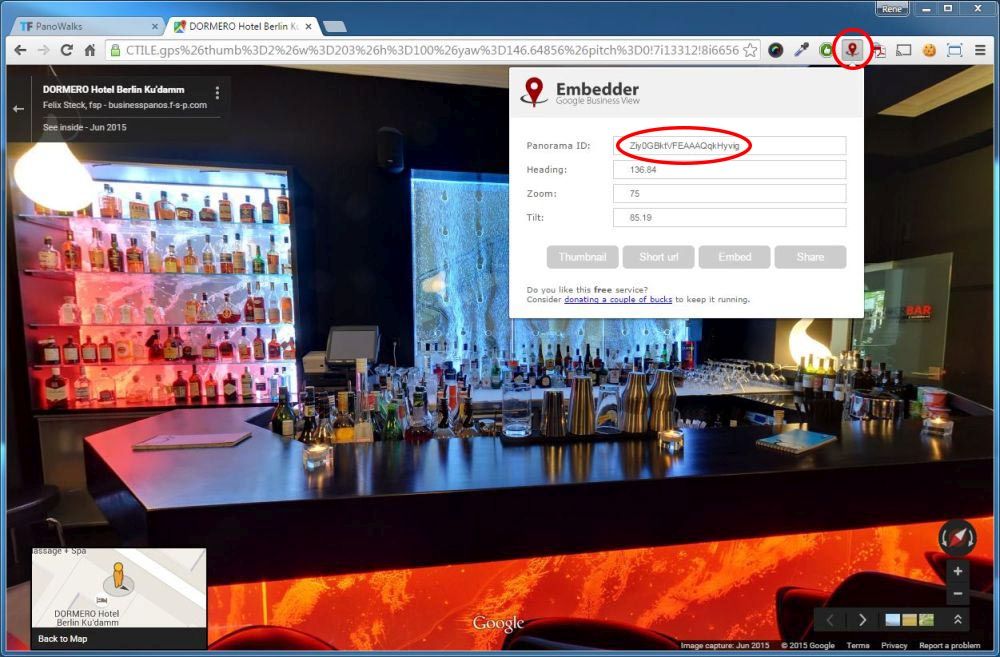
A Panorama ID consists of 22 characters, underscores or minuses. If you want to enter your Panorama ID directly from Google Maps you can either install the Embedder Plugin for Chrome Browser to display the Panorama ID or you can copy the complete URL from Google Maps and paste it into the Panorama ID Box. Then press 'Select' to adjust your Viewport.
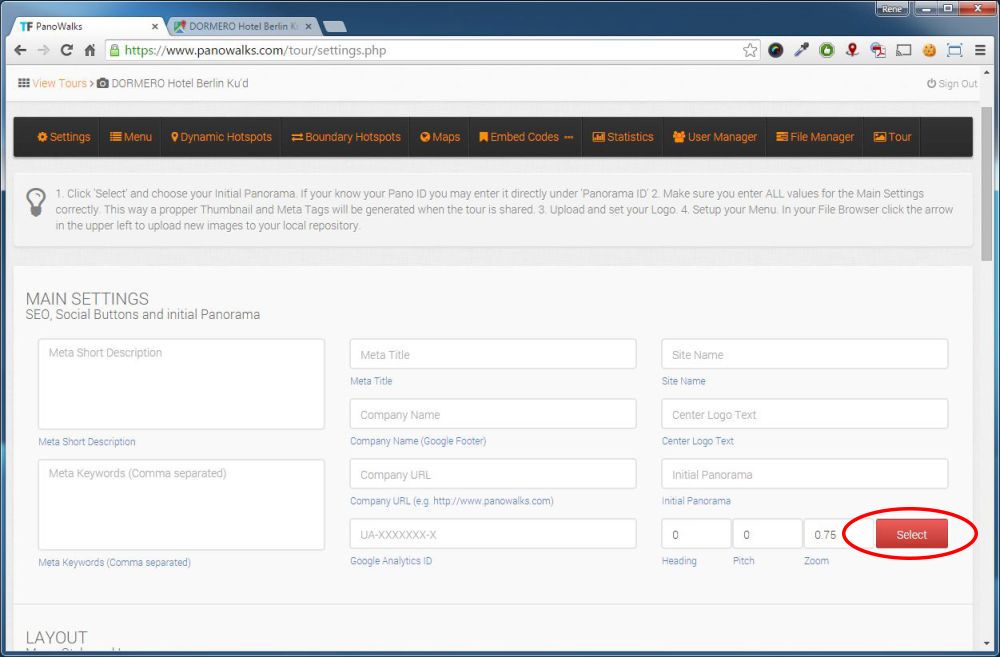
To use the search function of PanoWalks, click ‘Select’:
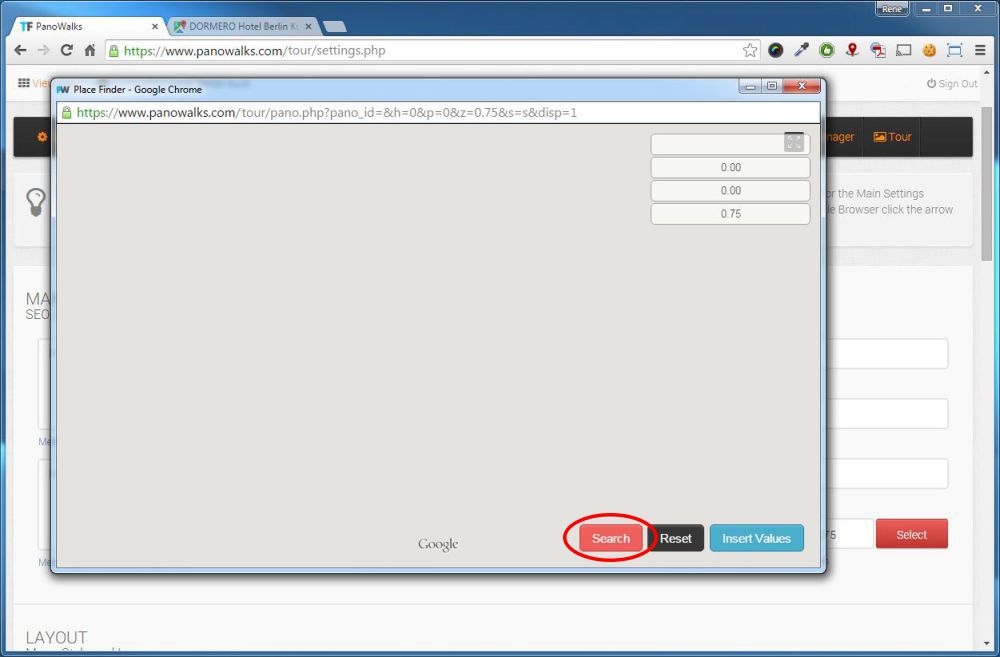
And then ‘Search’:
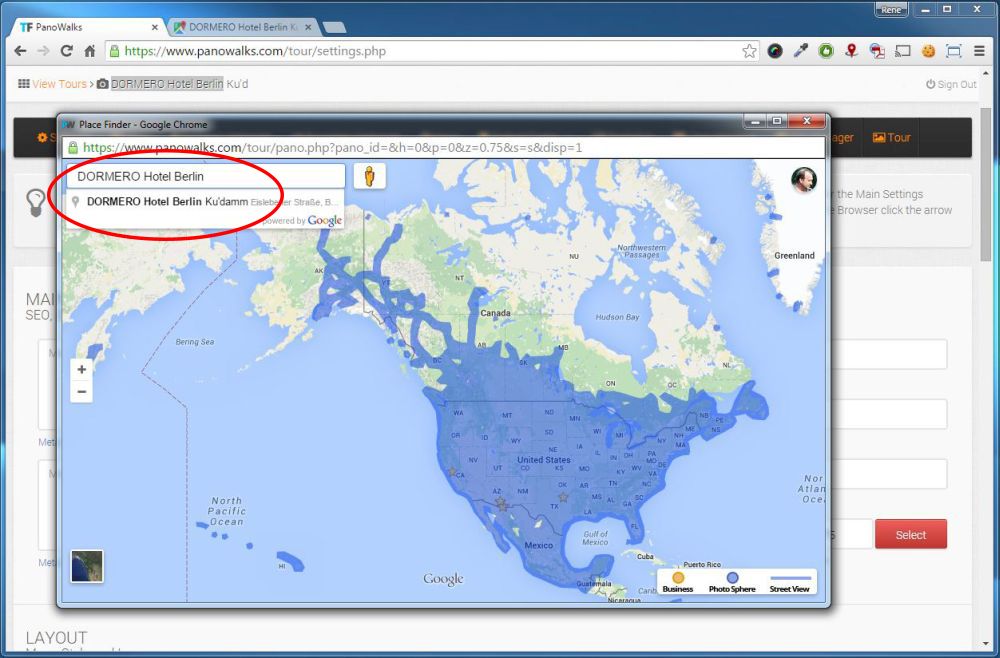
In the Search Mask type: ‘Dormero Hotel Berlin’ and click on the search result.
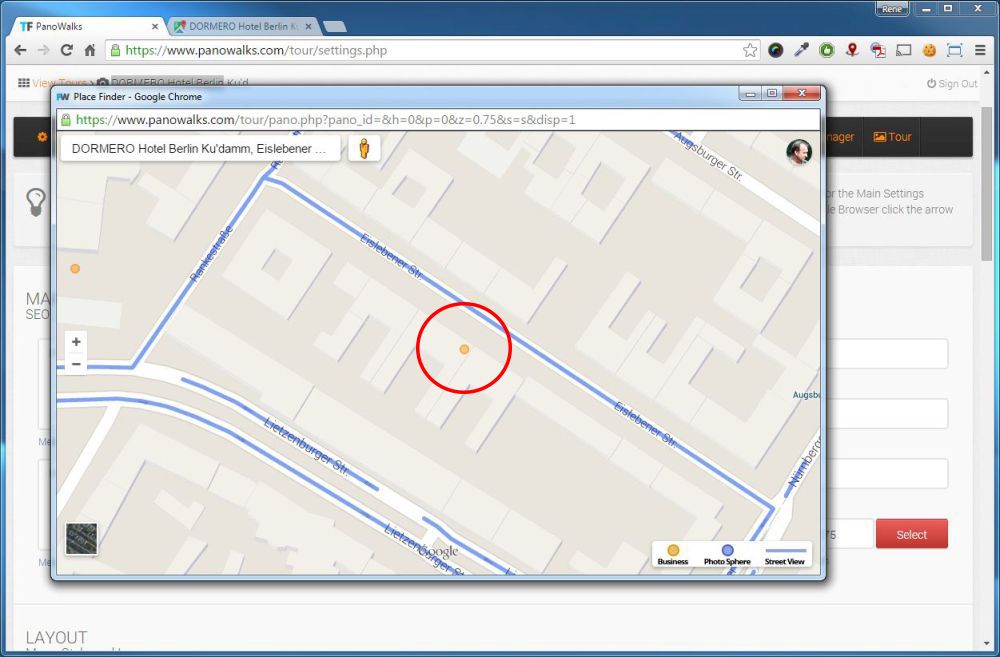
Then click on the orange circle in the center of the map.
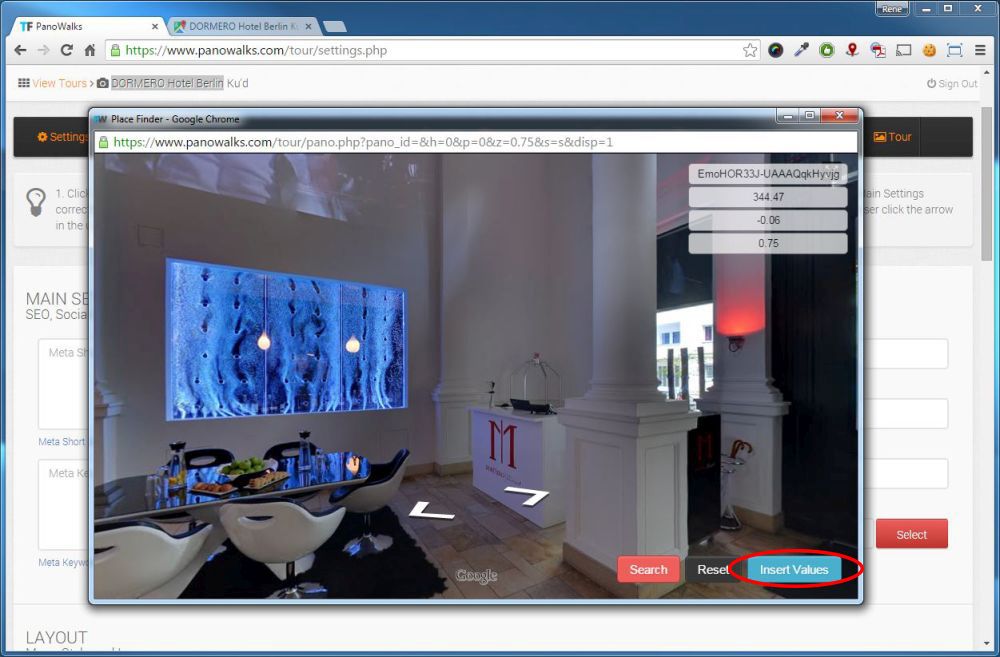
Adjust your Panorama and click ‘Insert Values’.
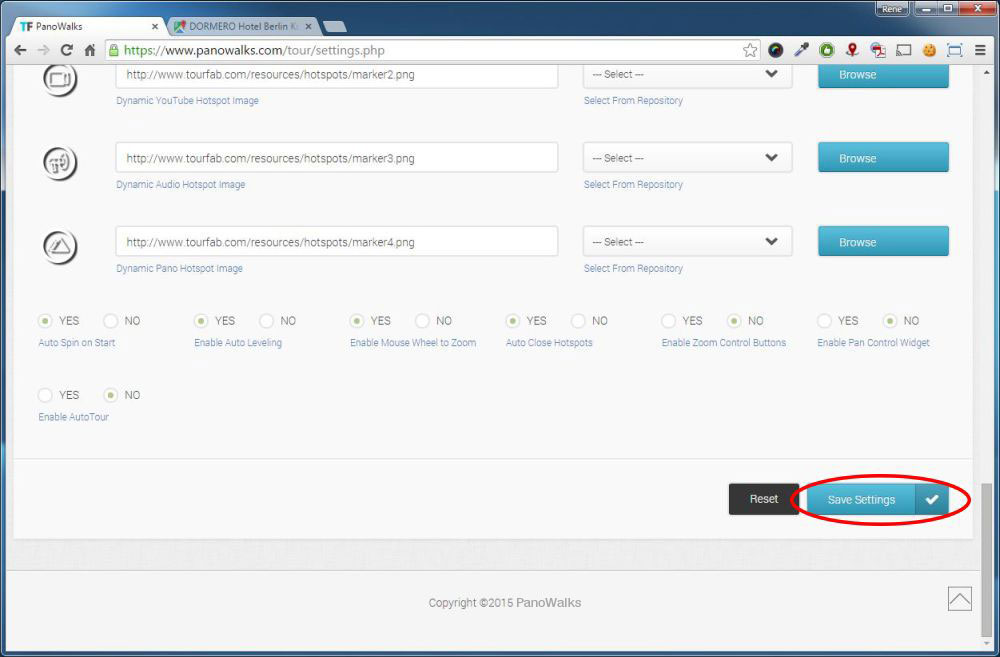
Then click ‘Save Settings’.
And continue to the Menu Page.
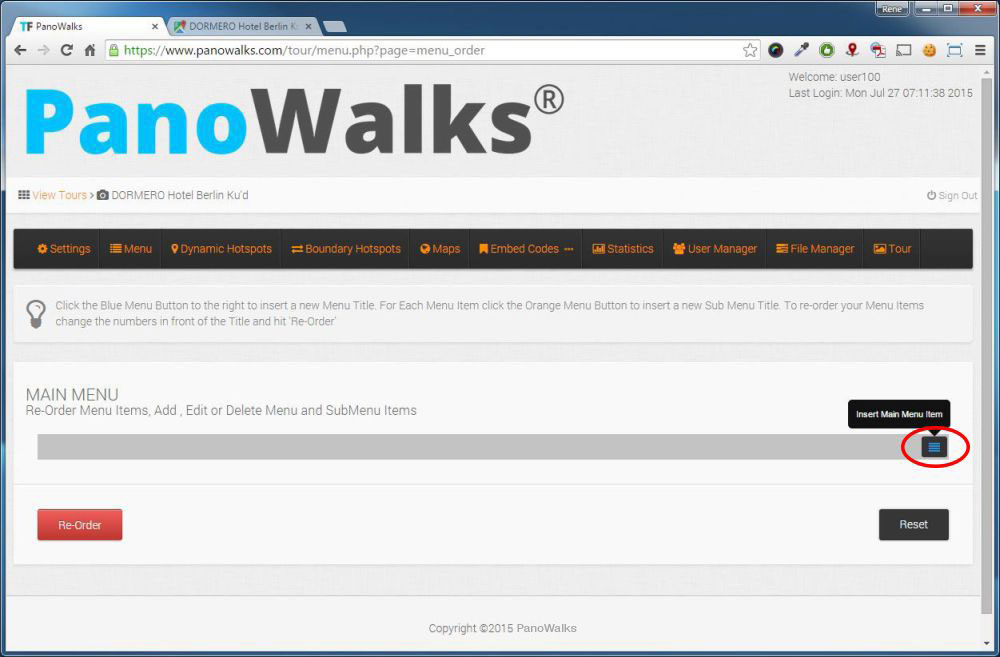
Click ‘Insert Main Menu Item’.
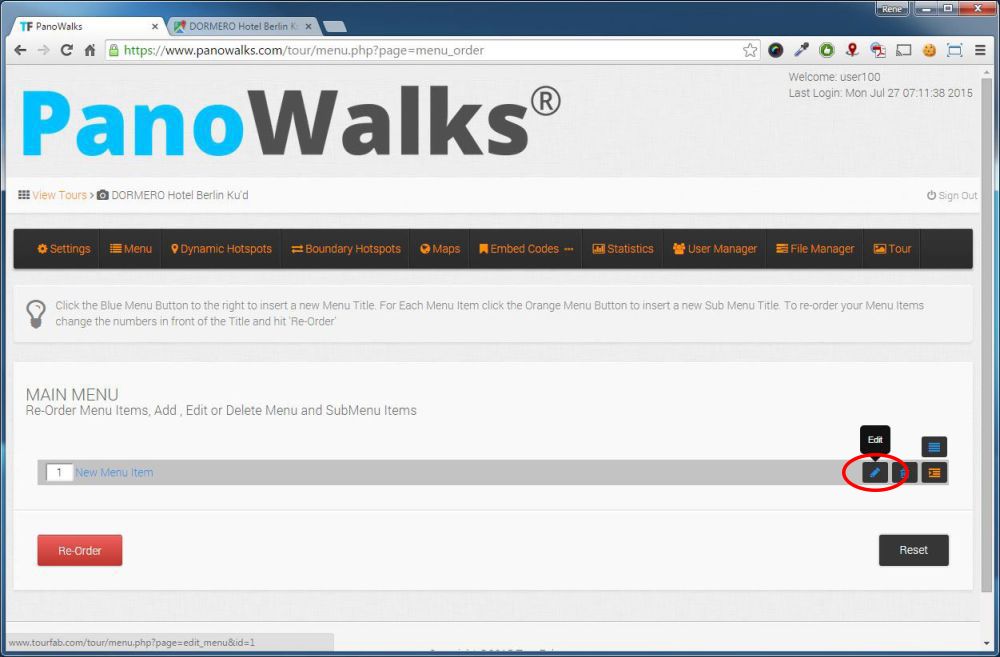
And then click ‘Edit’.
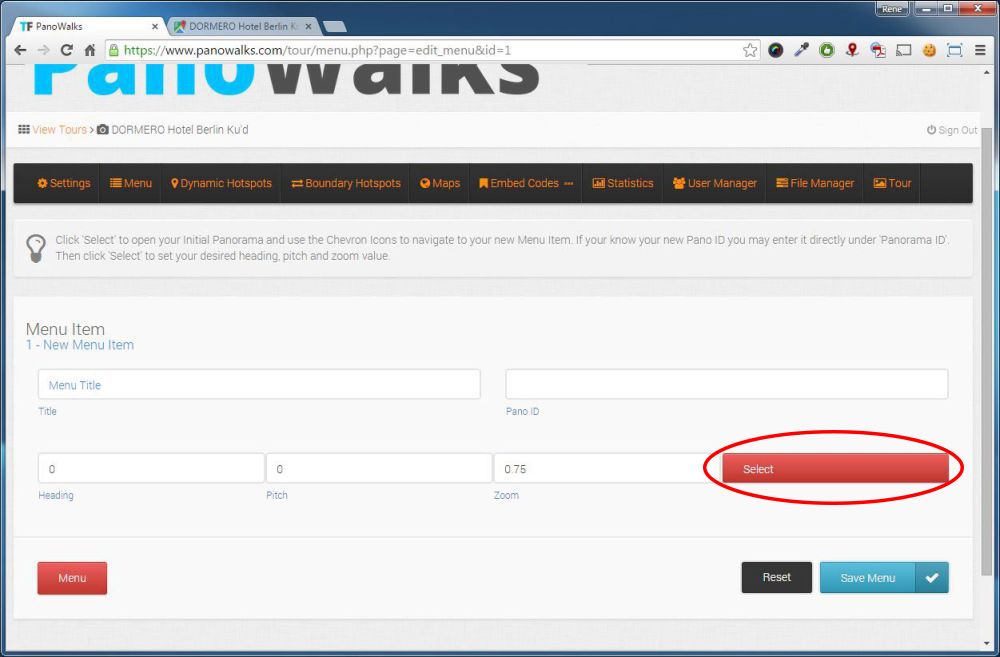
Then Click Select. The Search Tool will open showing your initial Panorama.
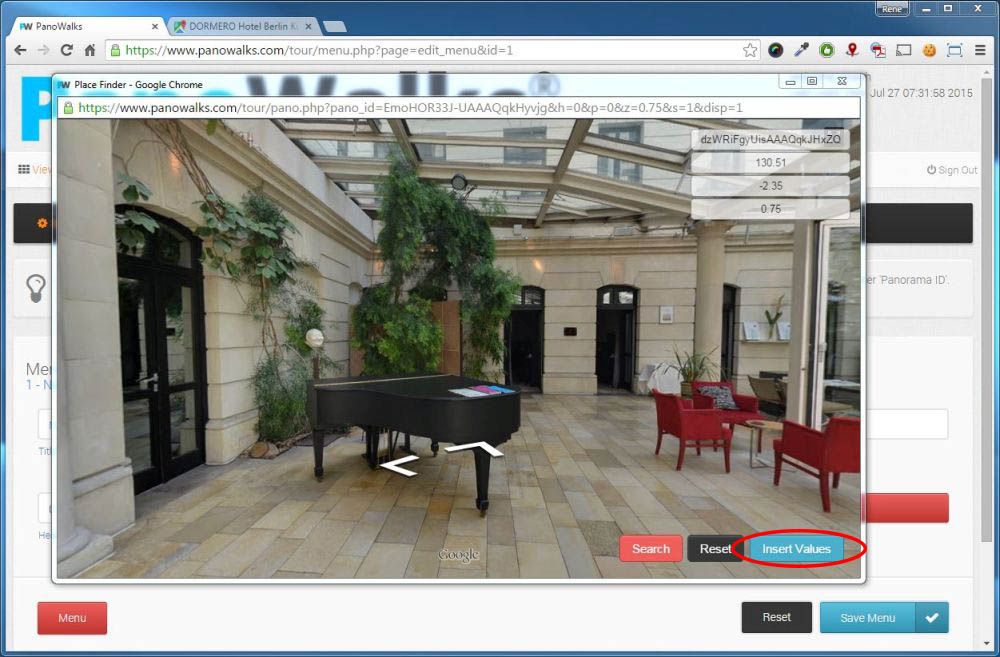
Use the Google Maps Navigation Chevrons to navigate to the Panorama you would like to associate with this menu item, adjust the view and click ‘Insert Values’.
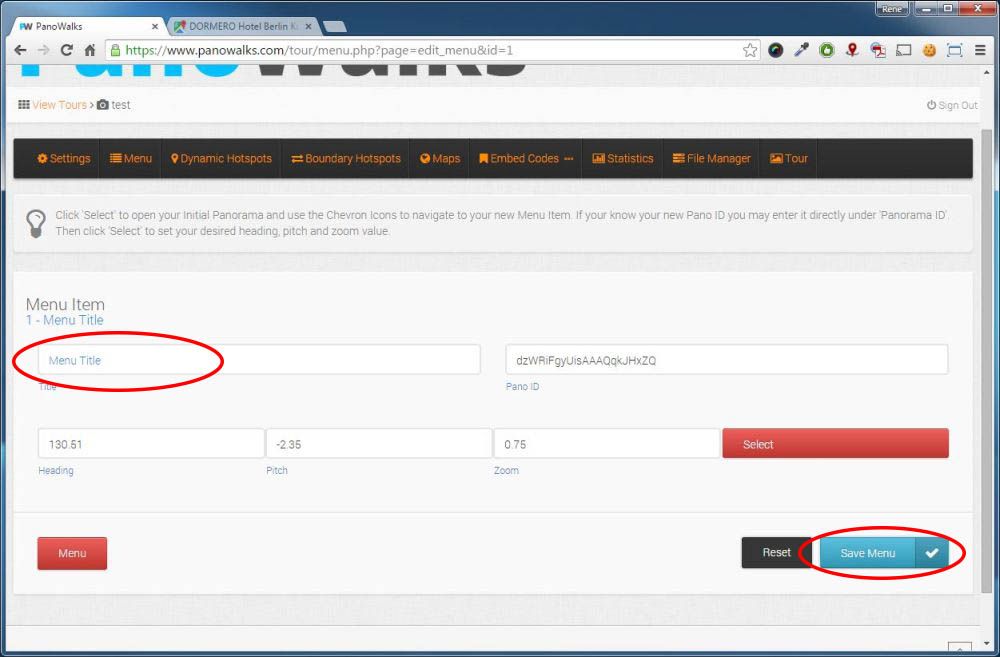
Adjust Menu Title and click ‘Save Menu’ to save your menu item and return to the menu list.
Repeat this step for all your menu items.
You can also enter your menu IDs directly from the Embedder Plugin or use the search function to navigate to a new Google Tour.